Keep every mineral as
records and pieces.
Save where you found it, what it looked like, and what it became. Mineral Note keeps collecting notes, collections, tumbling logs, and wire-wrapped pieces in one quiet place.


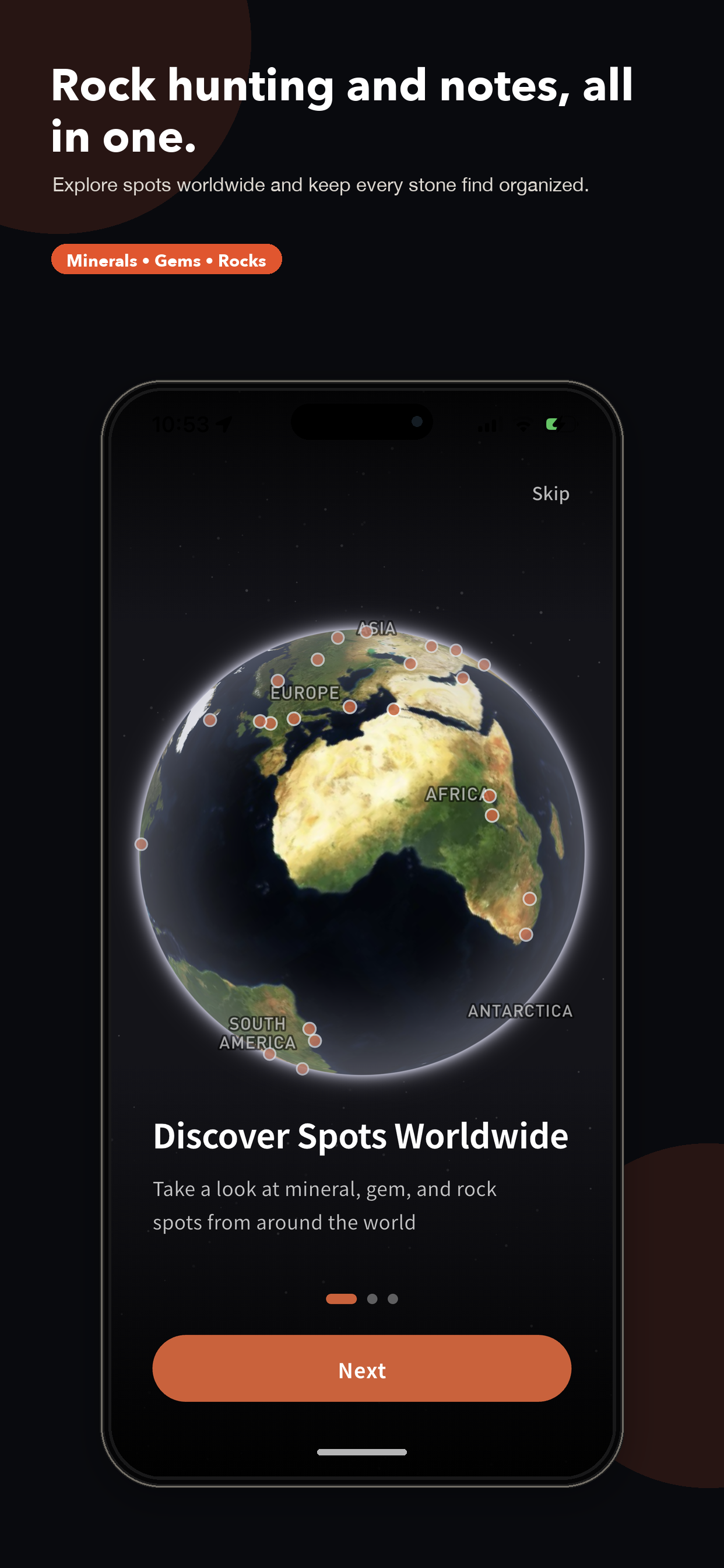
Turn each find into a lasting record.
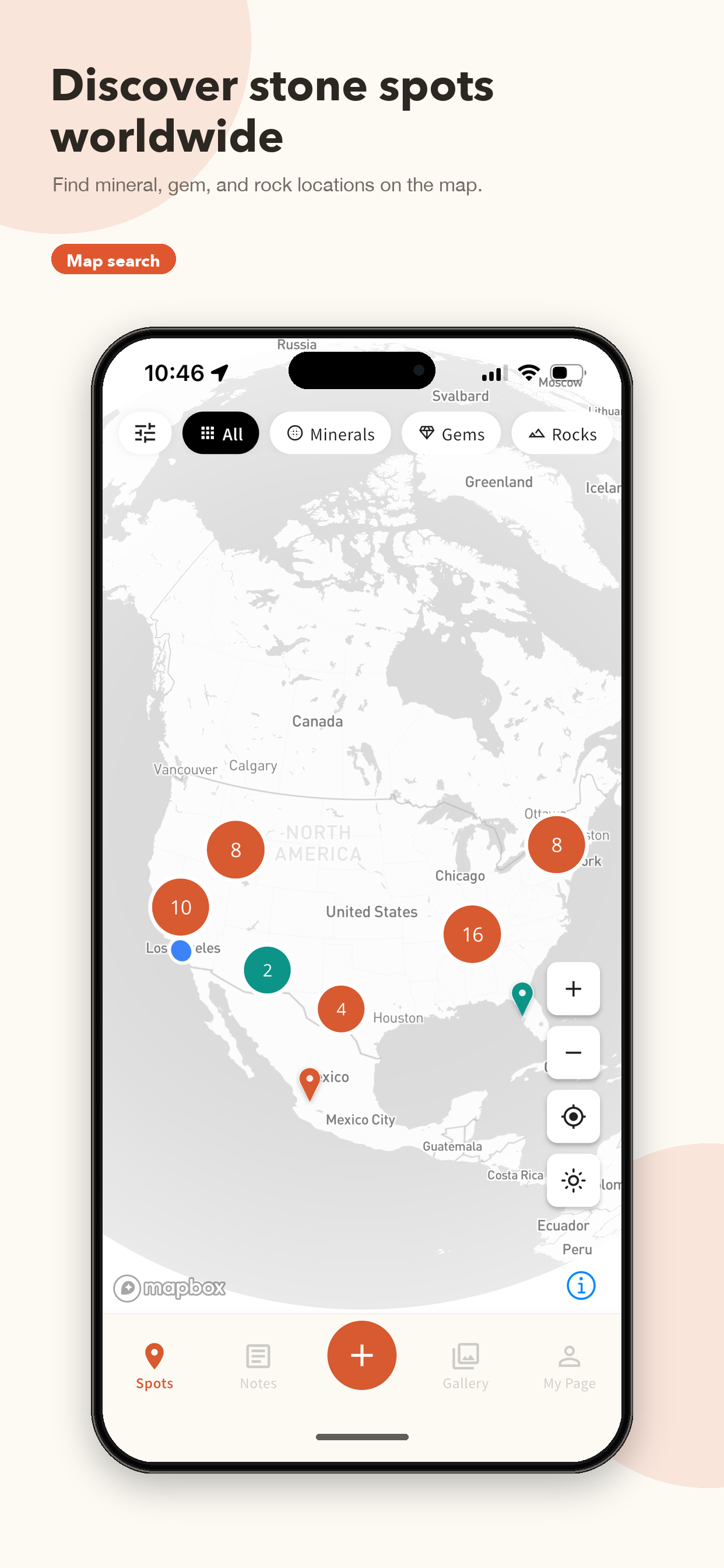
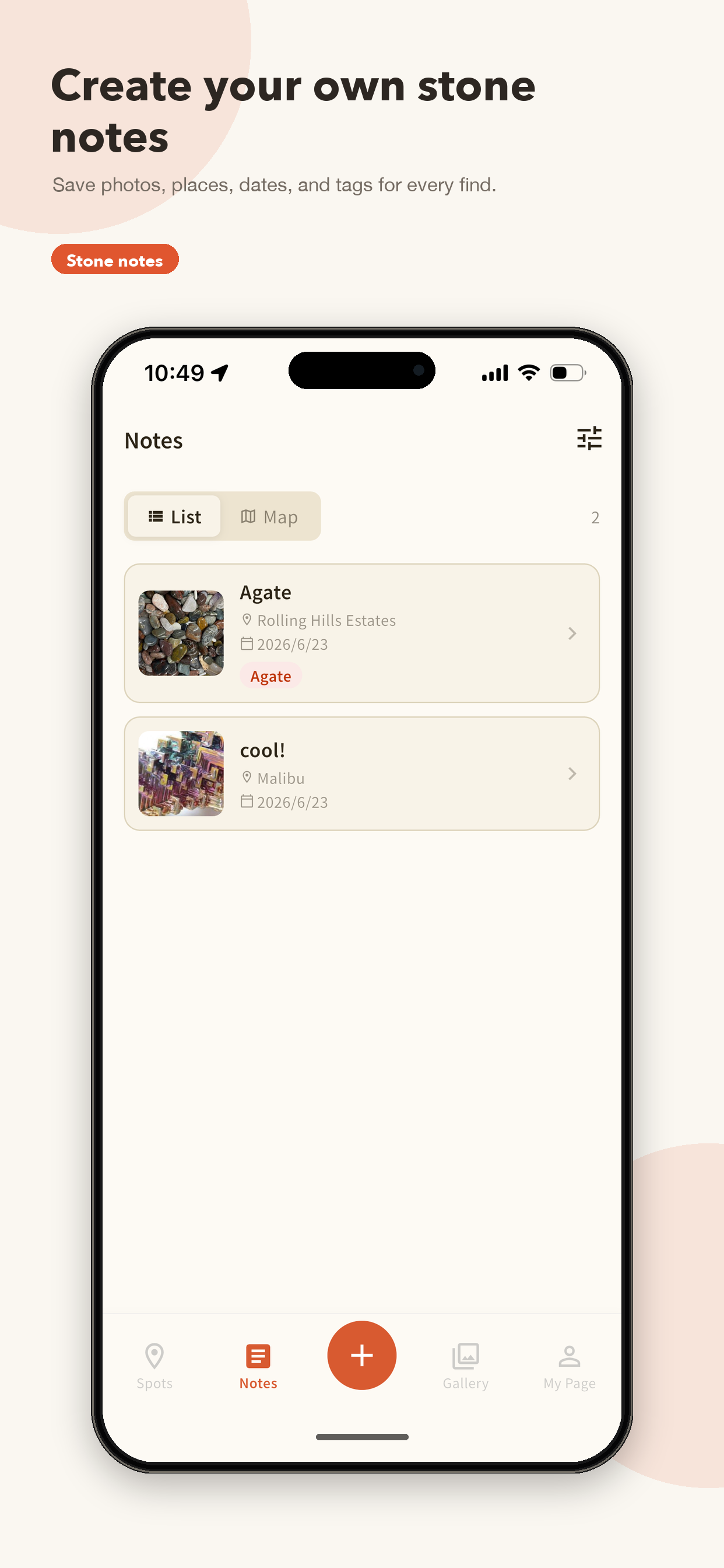
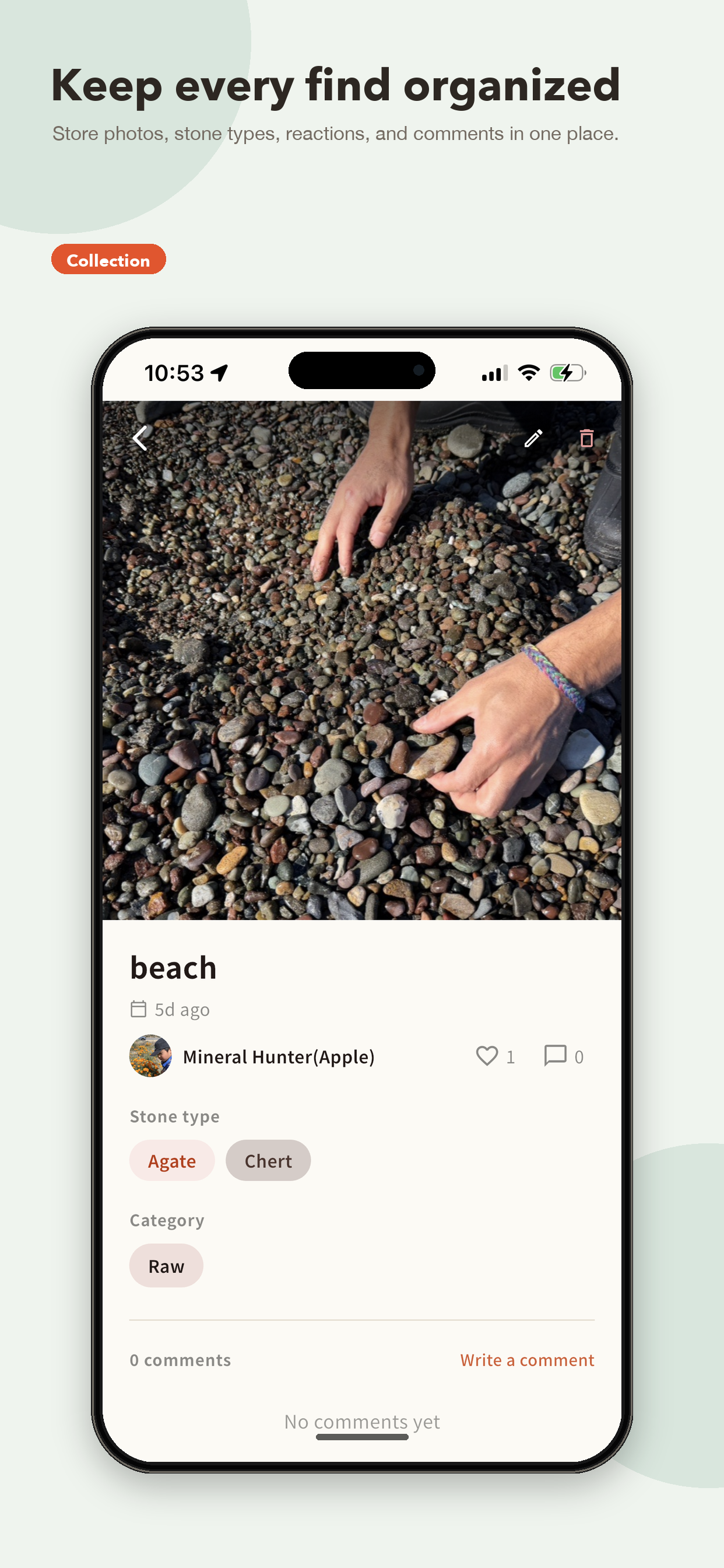
One notebook from field find to finished piece.
Keep the whole journey of each stone.
What is Mineral Note?
Mineral Note is a free app for recording the stones you find while rockhounding, beachcombing, or mineral collecting. Keep the minerals, gems, and rocks you pick up on beaches, riverbeds, and trails in one notebook, with photos, the collecting spot, the date, a name, and observation notes.
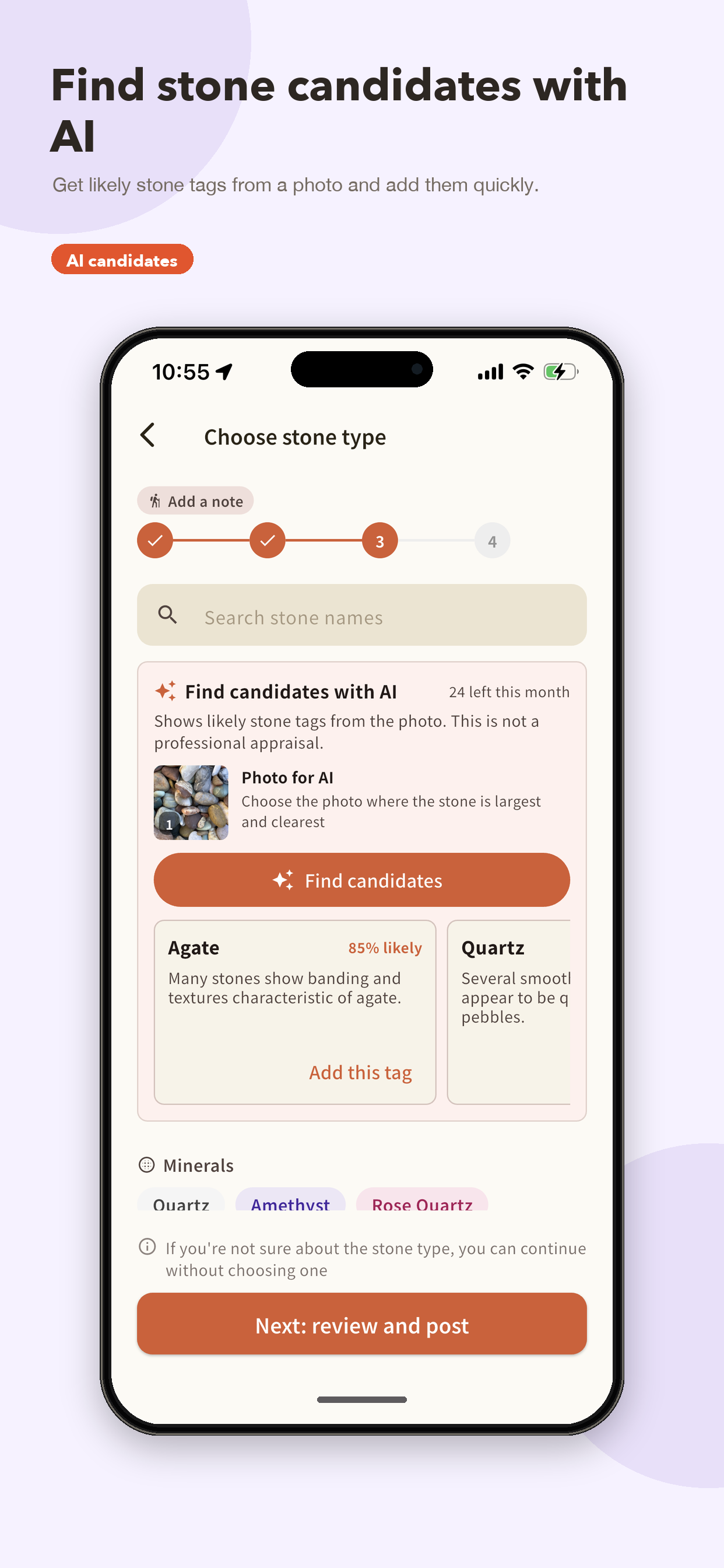
Your records grow into a collection, and the same notebook tracks tumbling, polishing, and wire-wrapping until a rough find becomes a finished piece. Mineral Note also suggests likely stone candidates from a photo with AI, lets you share collecting spots on a map, and has a gallery for posting your pieces, so it works as a private field notebook and as a place to meet other rock lovers.
- Price
- Free, no ads
- Platforms
- iOS / Android
- For
- Rockhounding, beachcombing, mineral collecting, lapidary
- Made by
- Cobolabo (Japan)
Frequently asked questions
Is Mineral Note free?
Yes. Mineral Note is free to use, with no ads and no in-app purchases.
Which devices are supported?
Mineral Note runs on iPhone (iOS) and Android phones. Install it from the App Store or Google Play.
What kinds of stones can I record?
Any kind: minerals, gemstones, and rocks. From pebbles picked up on a beach to specimens from a collecting site, each record keeps photos, the place, a name, and your notes together.
Can the AI identify my stone?
The AI suggests likely stone candidates from a photo as tags. It is not a certified identification, so treat the candidates as a starting point for your own research. You can add them to a record with one tap.
Do I need an account?
No account is needed to keep field records in your notebook; they are stored on your device. Signing in with your Apple or Google account backs them up, carries them over to a new phone, and unlocks spot posts, gallery posts, likes, and comments. There is no separate email and password to register.
Can other people see where I collect?
Field records in your own notebook are private. Only spots and gallery posts you choose to publish are visible to other users, and spots are reviewed by the operator before they appear on the map.
Can I delete my data or account?
Yes. You can delete your account at any time from My Page inside the app. Deleting it also removes your posts and notes. The Delete Account page explains the steps.
Keep the next mineral you meet.
Available on iOS and Android. Free, with no ads.